360°
Virtual Tour
We turn your hotel, showroom or factory into a 360° tour that visitors can explore room by room. Panorama photography, scene transitions, info points, website embedding and publishing on Google Maps.
Walk around inside the space.
In a virtual tour visitors choose where to look, tap markers to move from room to room and open info points for detail. The small sample below shows that experience in simplified form.
↳ Drag the view or use arrow keys · orange markers move between rooms
360° panorama photography
Exposure-bracketed panoramas that cover every direction from each shooting point, including ceiling and floor.
Scene transitions
From room to hallway, lobby to terrace: visitors click on doors and passage points to move through the space in its real order.
Info points
Clickable hotspots placed on a product, room type or machine: a short description, photo, video, product page or booking link.
Floor plan and mini map
In large spaces, a plan shows visitors where they are, and they can jump straight to a room from it.
Website embedding
The tour is embedded in a page on your website; on mobile it can be explored by touch and with the phone's motion sensor.
Publishing on Google Maps
360° photos linked to your Google Business Profile. People who find your business on the map can see inside, too.
VR headset viewing
A tour that opens in a VR headset through the browser; useful for presentations at a trade-show booth or sales office.
Later updates
When a room is renovated or a showroom is rearranged, a single scene can be reshot and added to the tour; there's no need to reshoot the whole thing.
Who benefits from a virtual tour
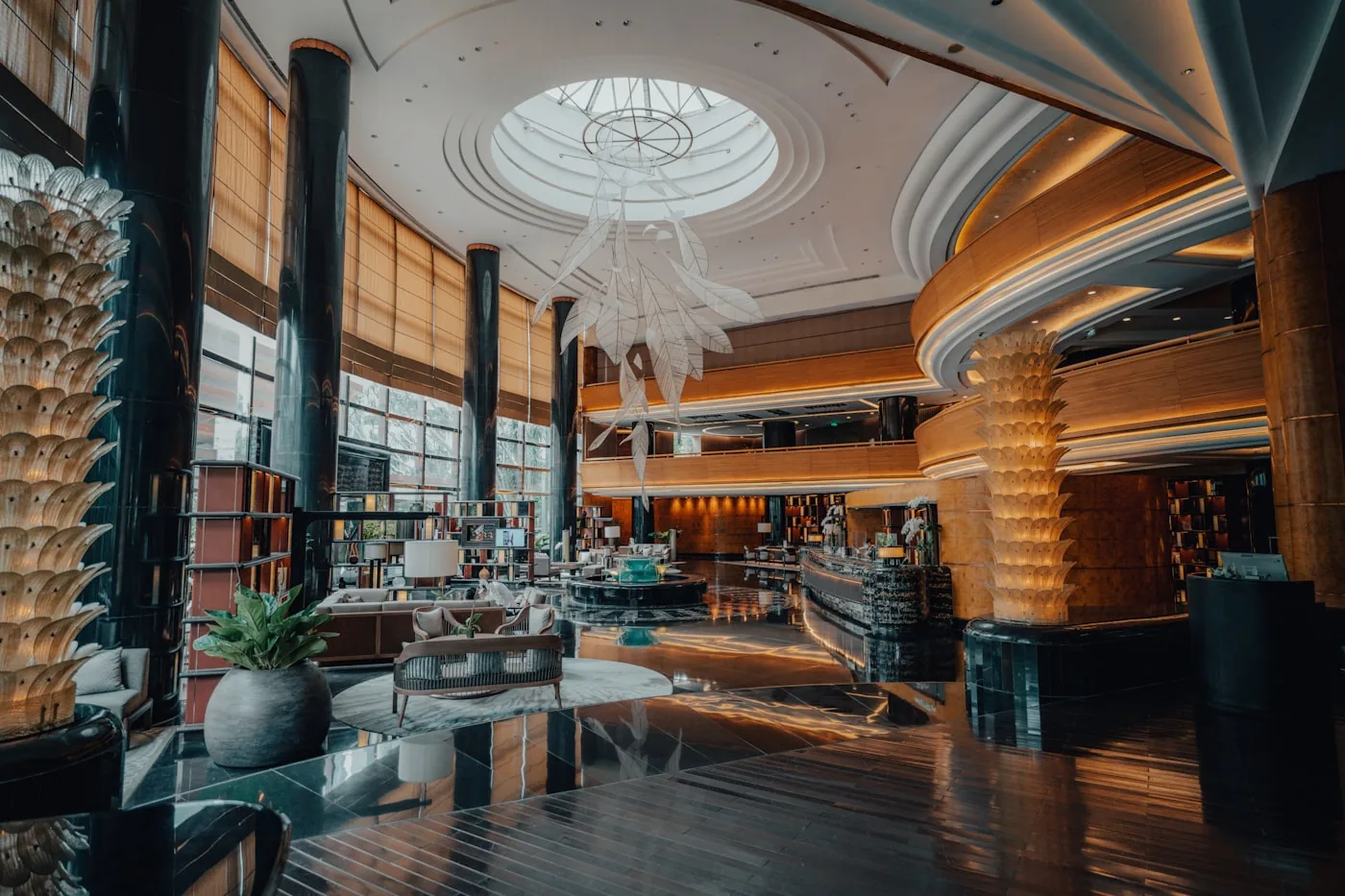
Hotels and boutique stays
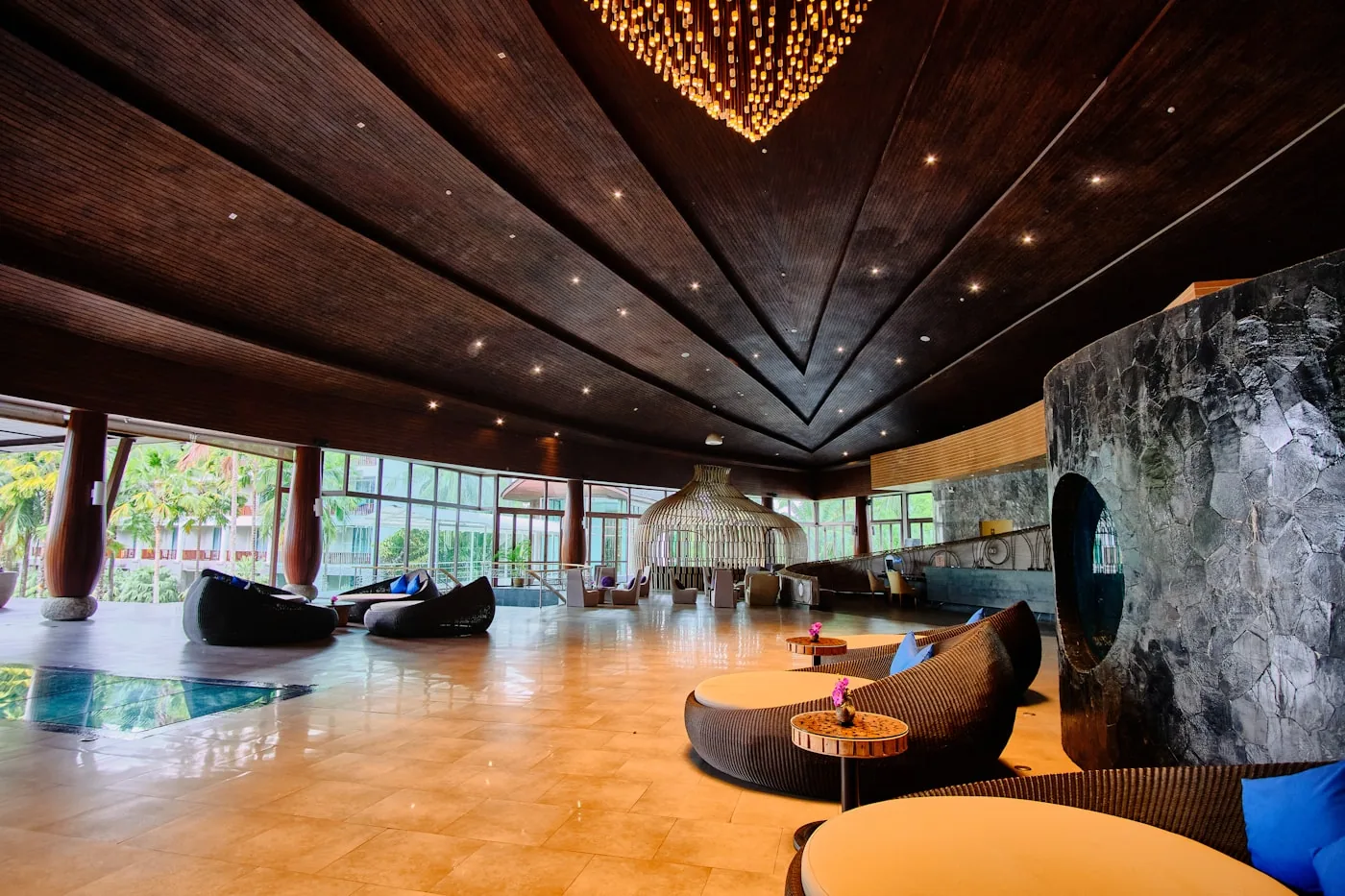
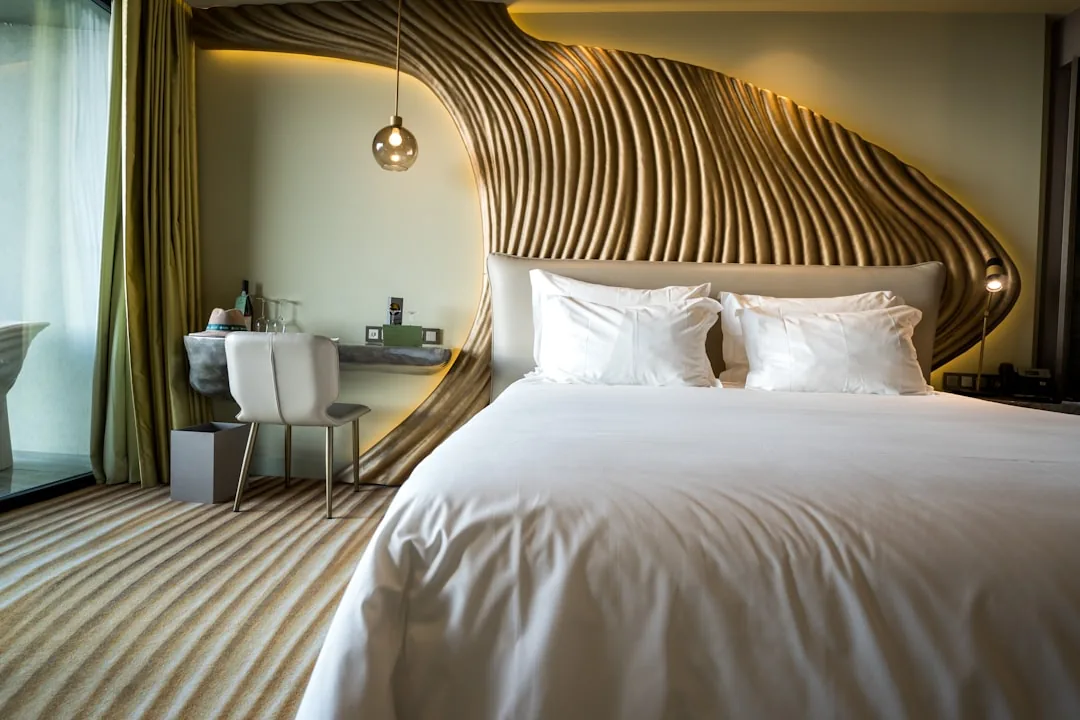
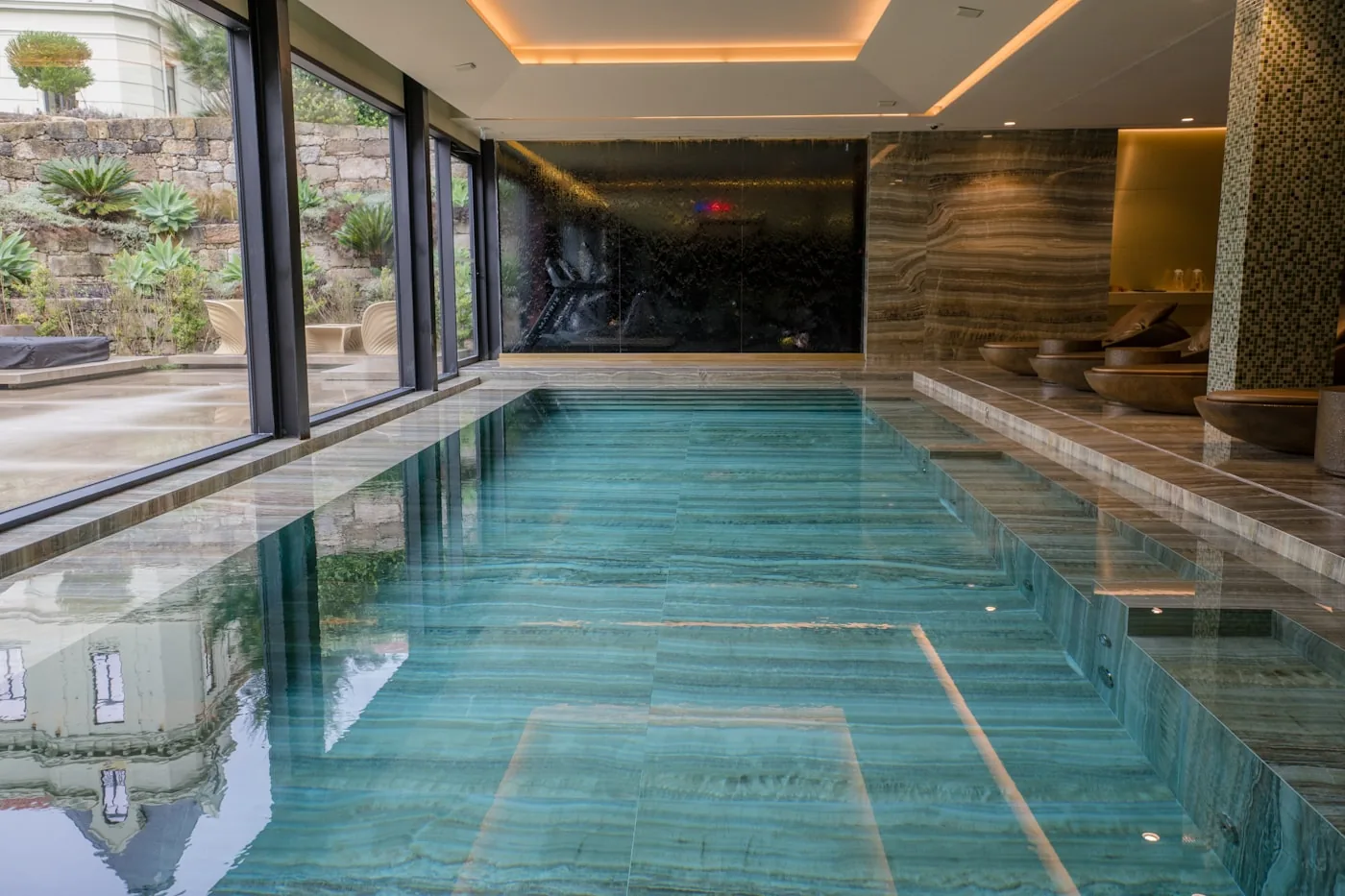
Guests can walk through room types, the lobby, restaurant and terrace before booking. In Cappadocia, a tour conveys the volume and ceiling height of cave rooms better than a flat photo. A booking link can be added inside the tour.
How a virtual tour comes together technically
Panorama
capture
The camera is mounted on a panoramic head so it rotates around the lens's optical center, and frames are taken at different exposures in every direction. This prevents misalignment when stitching, and both the view outside the window and dark corners remain visible.
Before the shoot what to do on site
Anything you could leave out of frame in a normal photo is visible in a 360° shoot. That's why preparation is more thorough than for a photo shoot.
Delivery and publishing options
A virtual tour is often scheduled on the same day as a photo shoot; for hotels, see hotel photography. If the site where the tour will live is being rebuilt, we plan it together with our web design team.
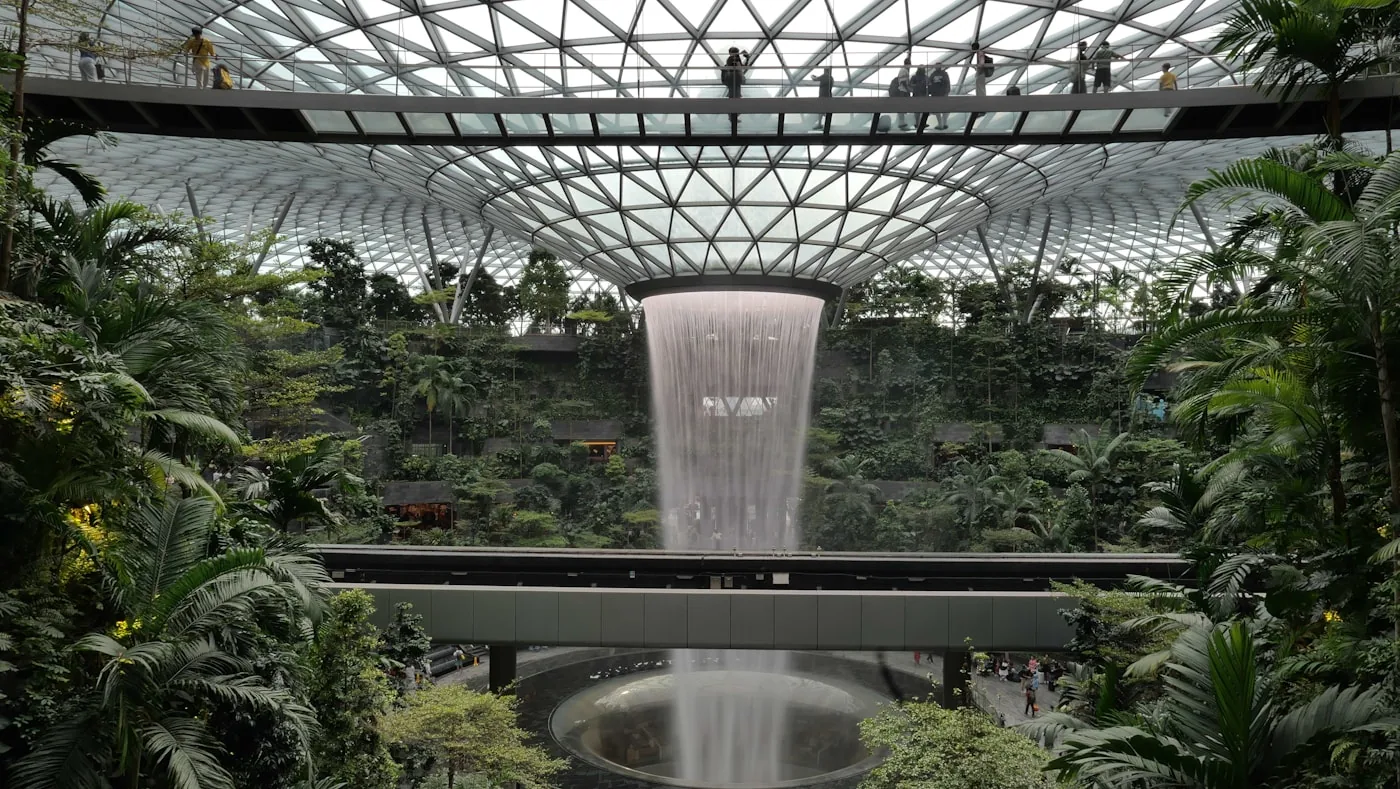 Stitched tour
Tour embedded on your website
Contents
An interactive tour placed on a page of your site
Note
Works with touch and motion sensors on mobile; added so it loads when clicked.
Virtual tour production steps
Site visit and point plan
We walk the space and mark shooting points on a sketch. Each point needs to see the next one, and transitions are built accordingly.
Questions we ask before quoting
The cost of a virtual tour depends less on the square footage of the space and more on the number of shooting points and where the tour will be published. The answers to these questions shape the proposal.
Let's talk about your project
Book a call ↗How many shooting points? Each room or area usually needs 1–3 points; this is the biggest factor in the price
Do you need info points and a floor plan? Who will prepare the text, photos and videos?
Where will the tour be hosted: on your own server or on a tour platform with an annual fee?
Should it be published on Google Maps, embedded on your website, or both?
How often does the space change? If seasonal updates are needed, they are planned from the start
Frequently Asked
Questions
A 360° photo is a single panorama that can be viewed in every direction from one point. A virtual tour connects these panoramas into a whole: visitors can move from room to room, and info points and a floor plan can be added. Google Maps usually receives individual 360° photos, while the fully interactive tour lives on your website.
It depends on the number of shooting points and how well the space is prepared. In a prepared space, a single point takes a few minutes; what really takes time is clearing areas in turn and adjusting the lighting. A small showroom can be shot in half a day, while a multi-story hotel or factory takes one or more days. The timeline becomes clear after the site visit.
Not if it's embedded correctly. The tour is set to load when the visitor clicks, not when the page opens; a lightweight preview image is shown first. This way the page's initial load speed isn't affected.
The 360° photos are published linked to your Google Business Profile and are subject to Google's content policies; the publishing method is confirmed at the start of the project based on Google's current tools. Google makes no promise about how interior photos affect rankings, and neither do we. The benefit is that people who find your business on the map can see inside before deciding.
It depends on the method you choose. If the tour is hosted on your own web server, there's no separate platform fee. Some tour platforms charge an annual subscription in exchange for features like analytics and easy editing. We show the cost of both options separately in the proposal.
Because the tour is built scene by scene, only the areas that change need to be reshot and added. A renovated room or a rearranged showroom doesn't require reshooting the entire tour. If you expect frequent updates, we plan for them in the initial proposal.
Yes, depending on the hosting method. For tours hosted on your own site, Google Analytics can track which scenes are opened and which info points are clicked; if a platform is used, it has its own statistics as well.